Loading ClippingSpace…
AI clipping for every feed
Turn any video into scroll-stopping clips
Paste a link or upload a file. ClippingSpace finds the best moments, frames them for TikTok, Reels and Shorts, and captions every word.
Public video links only. You can review settings before processing.
- 30 free source minutes every month
- No credit card
- No watermark on exports
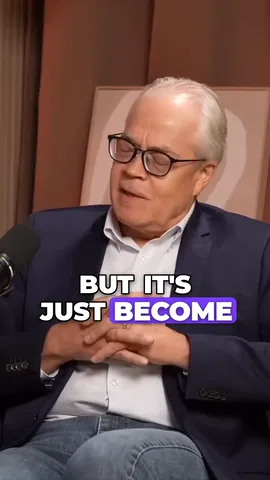
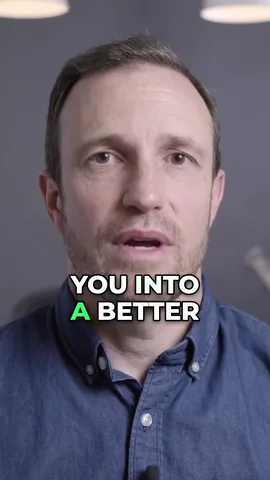
Before
After
The real app, recorded
From a link to a scheduled post
No mockups. These are screen recordings of ClippingSpace doing each step.
clippingspace.tech/new
Paste a link and a preview card checks the video before a single minute is used.
Import from 9 platforms, or upload a file
YouTube
TikTok
X / Twitter
Facebook
Twitch
Dailymotion
Kick
LinkedIn
Reddit
Features
Everything between the long video and the post
Each card below is a recording of the feature it describes.
AI clipping
It transcribes the video, finds the moments that stand on their own, then scores and ranks every clip.
- All clips arrive together once rendered
- A score and the reason for each pick
Animated captions (14 styles)
14 animated styles plus 7 classics, timed word by word from the transcript.
- Switch styles on the live preview
- Fix any word before you export
Speaker tracking and split-screen
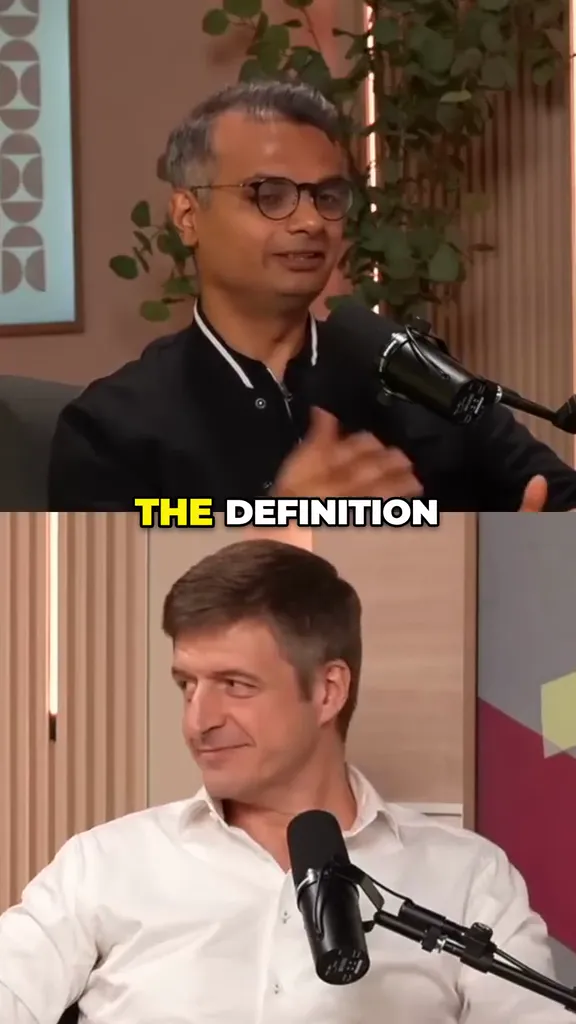
Faces stay in frame when a wide shot becomes vertical. Two speakers share the frame, with captions on the split.
- Follow the speaker, split or single
- Screen and webcam layout for streams
Editor
Transcript, trim, captions, layout and format in one place, previewed on the real video before you render.
- Click a word to jump there
- 6 export formats
Scheduling
Queue a finished clip to your connected accounts with one caption, checked against each platform's limits.
- Pick the clip, accounts and time
- On Creator and Studio
Live streams and long VODs
Clip the last few minutes of a live Kick stream, or import only the part of a long VOD you want.
- Live: last 5 to 60 minutes
- VODs: pick up to 4 hours
Built different
Built for streamers, podcasters and long videos
The parts of clipping most tools leave to you.
- 01
Clip a Kick stream while it is still live
Paste a live channel and clip what just happened. No waiting for the broadcast to end and the VOD to appear.
Last 5 minLast 10 minLast 15 minLast 30 minLast 60 min - 02
Import part of a 6-hour VOD and pay only for that part
Pick a section of up to 4 hours from any longer video. Only the minutes you pick count toward your plan.
First 30 minLast 1 hrAny start and end - 03
Captions centred on the split
In two-speaker clips, captions sit on the seam between the speakers instead of across someone's face.
Split layoutAuto speaker - 04
Clip count that scales with length
About one clip per five minutes of source, up to your plan's cap (24 on Studio). Or set the number yourself.
10 min: ~3 clips30 min: ~6 clips60 min: ~12 clips - 05
9 import platforms
Paste a link from any of them, a direct video URL, or upload the file.
YouTubeTikTokX / TwitterFacebookTwitchDailymotionKickLinkedInReddit
Pricing
Start free. Upgrade when you're posting every week.
You pay for the minutes you import, not the clips you make. Every plan exports without a watermark.
Free
Try the full pipeline on your own footage.
$0/ month
- 30 source minutes / month
- Up to 5 clips per video
- Up to 500 MB per upload
- 1 project processing at once
- 25 edit assistant requests a day
- For regular creators
Creator
For creators shipping clips every week.
$19/ month
- 300 source minutes / month
- Up to 12 clips per video
- Up to 4 GB per upload
- Schedule posts to your social accounts
- API and MCP server access
Studio
For high-volume creators and solo agency operators.
$59/ month
- 1,500 source minutes / month
- Up to 24 clips per video
- Up to 16 GB per upload
- 4 projects processing at once
- Everything in Creator
Yearly billing and the full comparison are on the pricing page.
Questions, answered
What counts as a source minute?
The duration of the video you import, not the clips you export. A 10-minute podcast costs 10 minutes no matter how many clips ClippingSpace generates from it.
Which platforms can I import from?
YouTube, TikTok, X (Twitter), Facebook, Twitch, Dailymotion, Kick, LinkedIn and Reddit, plus any direct .mp4/.mov/.webm/.m3u8 URL or a file from your computer. Instagram and Vimeo imports are not available yet.
Do I keep the rights to my clips?
Yes. ClippingSpace never claims rights over your footage. You are responsible for having the rights to any video you import.
Can I cancel any time?
Yes. Manage or cancel from the Stripe billing portal in settings. Your paid limits remain active through the end of the current billing period. Yearly plans save two months.
How accurate are the captions?
Captions use word-level timestamps. Accuracy depends on the recording, language and background noise. Review and correct the words in the editor before exporting.
What happens if my import fails?
Private, deleted or region-locked videos can't be fetched. Failed jobs never consume source minutes and the error tells you exactly what went wrong.
Start free
Your next clip is already in a video you've made
Paste a link and see what ClippingSpace finds. Free with 30 source minutes a month.
Public video links only. You can review settings before processing.
- No credit card
- No watermark on exports
- Compare plans